Installation & Update
warning
Ensure that your CPU drivers are up-to-date to guarantee optimal performance and compatibility.
Recommended tools for driver updates: Intel Driver Support Assistant
Install ANNHUB
ANSCENTER Portal is a one-stop shop for managing your own software licenses and download latest software version.
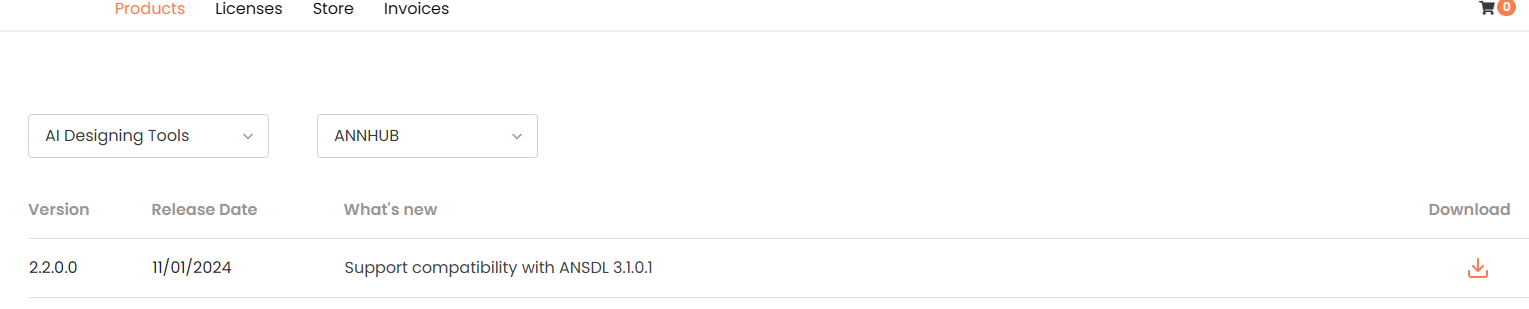
The correct installation steps are:
- Download and install
ANS Core EnginefromProduct> Other Tools> ANS Core Engine(one-time only) - Download and install
ANNHUBfromProduct> AI Designing Tools> ANNHUB
Recommendation
- Default installation directory is recommended
- A system reboot is recommended after finishing installation
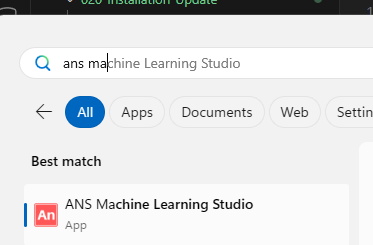
Once installation is completed, you can access ANNHUB from Windows Start Menu or Desktop
Activate ANNHUB
info
To activate ANNHUB, please refer to ANS License Manager for instruction
Update ANNHUB
To update the software without affecting data, uninstall the ANNHUB Installer from the Add or Remove Program window prior to installing new version
